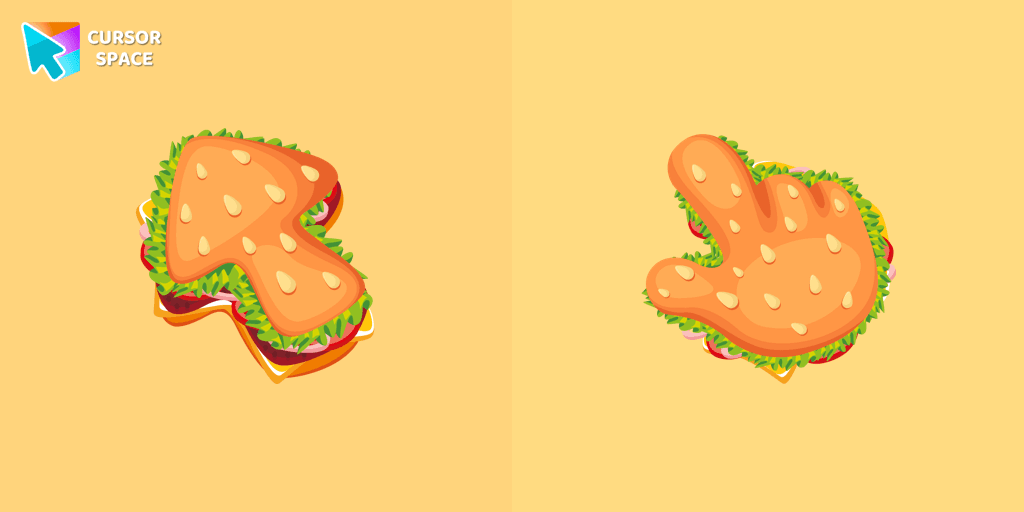
Burger Texture cursor
418Free
The Burger Texture cursor is a distinctive and entertaining option for Chrome users who enjoy personalizing their browsing experience with custom cursors.
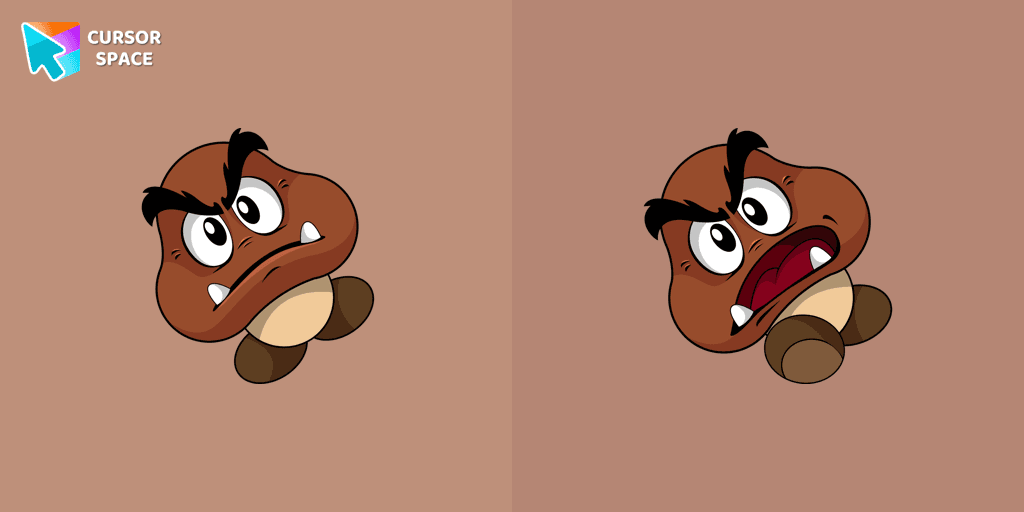
Attention Mario fans! One of the most recognizable foes from the beloved franchise, the Goomba, now has its own custom cursor. As a common adversary in the Mario games, Goombas are featured in nearly every title of the series. Now, you can bring the classic charm of these iconic enemies to your browser with the Goomba custom cursor from our Games collection.
No Mario game is complete without encountering these mischievous mushrooms, and now you can have them at your fingertips, quite literally! The Goomba cursor is compatible with Chrome, making it perfect for those who spend countless hours browsing the web.
With its custom design, the Goomba cursor adds a whimsical touch to your browsing experience. Every movement of your mouse will be accompanied by these familiar, rotund creatures, instantly transporting you to the vivid world of Mario. Whether you're navigating social media, browsing your favorite websites, or working on important tasks, the Goomba cursor will bring a smile to your face with its nostalgic charm.
Additionally, our custom cursors collection offers a variety of other game-themed cursors to choose from, allowing you to tailor your browsing experience to your favorite video games. Explore the collection to discover an array of characters and designs that will make your browser truly stand out.
Embrace the nostalgia and let the Goomba cursor become part of your everyday browsing routine. Show off your love for the Mario franchise and add a touch of fun to your online adventures with this delightful custom cursor.
Install the Cursor Space extension for Chrome or Cursor Space for Edge in your browser.
On this page, click "Add this cursor pack to the extension".
Open the extension and go to the Packs tab.
Find the custom cursor pack "Goomba cursor" and click it.
Enjoy!
Get this cursor pack and thousands of others by installing our extension. It's fast and free!
Goomba Cursor is a themed cursor pack you can add to your browser to personalize your pointer across common cursor states (default and pointer). Use it for everyday browsing, streaming, studying, or gaming-anywhere you want your cursor to match your vibe.
See how the cursors look before installing.
Add the pack to the extension in a few clicks.
Designed for Chrome and Edge via the extension.
Quick answers to common questions about cursor packs, collections, and installation.
Yes. To apply cursor packs in Chrome or Edge, install the Cursor Space extension and add this pack to it.
Cursor packs are designed for Chromium browsers like Chrome and Microsoft Edge.
Open the extension, choose another pack or disable the current one to return to your default cursor.
Custom cursor and packs - neon, anime, pixel art. Quickly add to Chrome and Microsoft Edge for free
The Burger Texture cursor is a distinctive and entertaining option for Chrome users who enjoy personalizing their browsing experience with custom cursors.
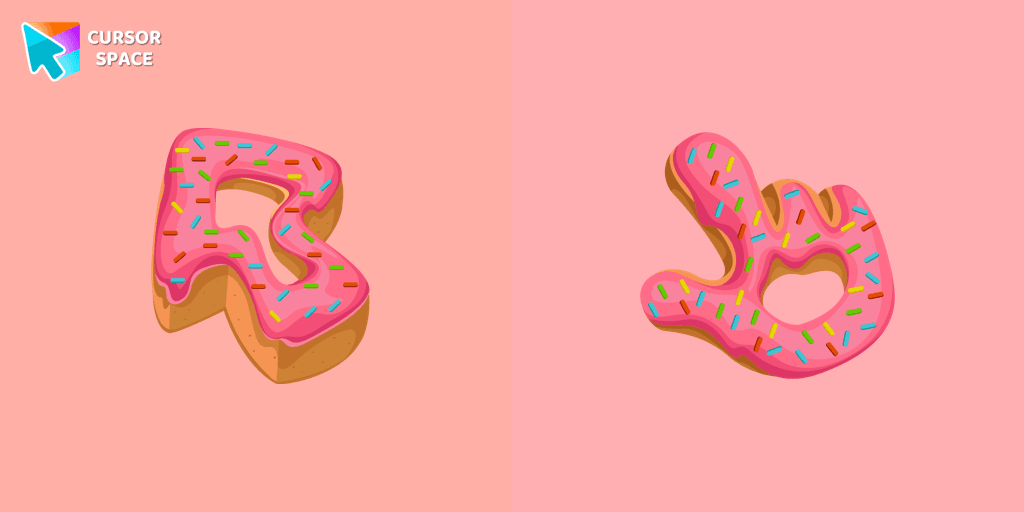
Enjoy a fun browsing experience with the Donut Textures custom cursor. Inspired by American films, this custom cursor for Google Chrome adds sweetness to your screen.

Enhance your desktop with Bibata Modern Classic Cursor - a stylish custom cursor that combines elegant design with classic comfort for everyday use.
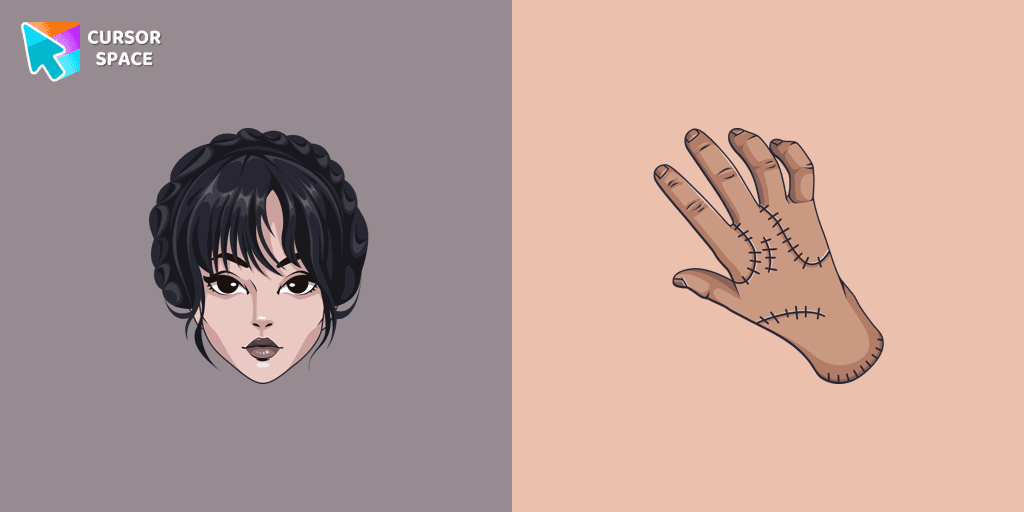
Our The Wishes custom cursors collection for Chrome has been expanded with yet another beautiful custom cursor with Wednesday Addams.
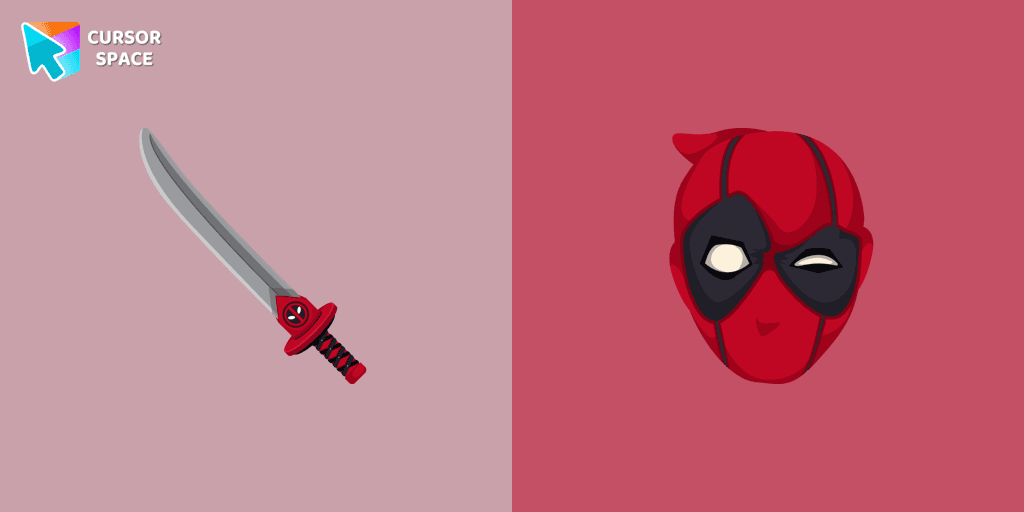
Transform your browsing with Deadpool's custom cursor for Google Chrome. This unique, cute mouse and pointer cursor adds style and fun to your screen.
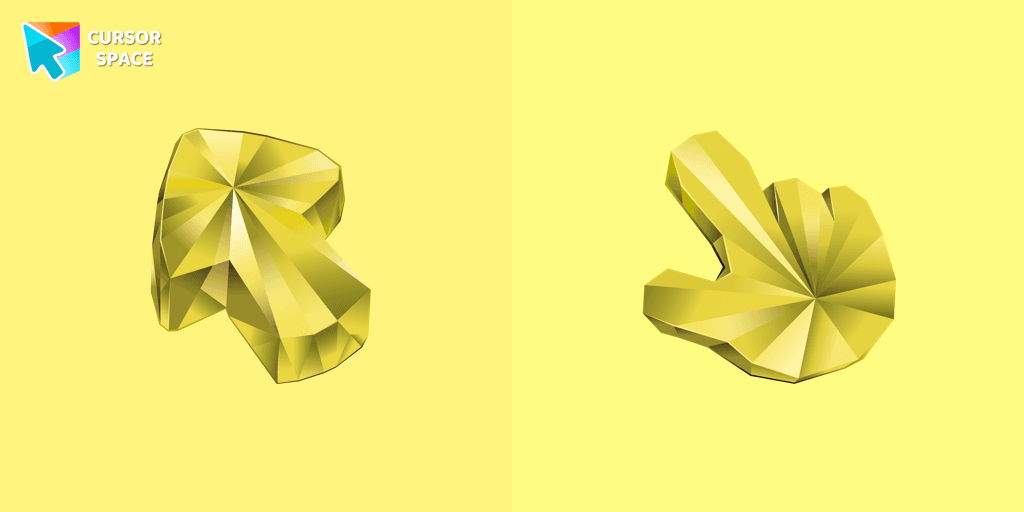
Enhance your browsing with a custom cursor for Google Chrome featuring the timeless elegance of yellow sapphire. Add sophistication and style to your screen today.
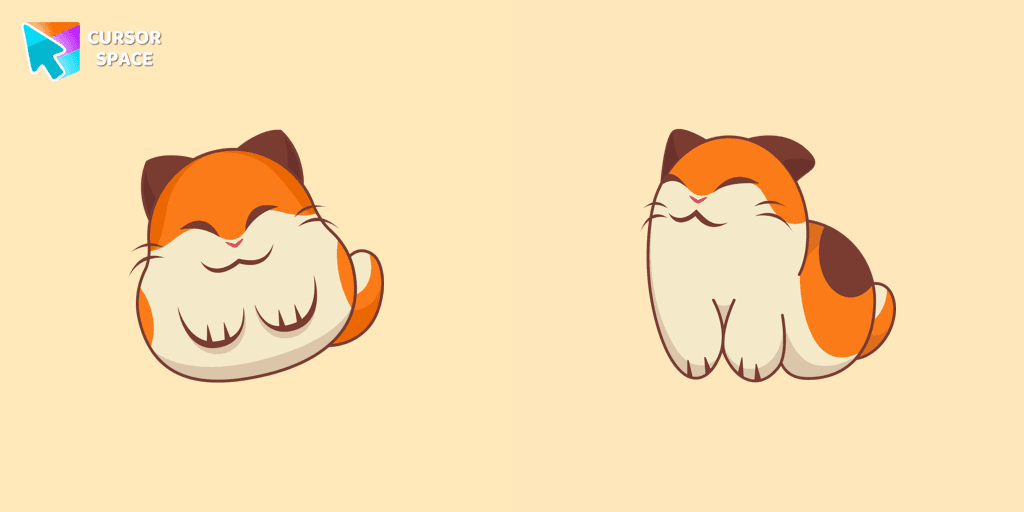
Nago, one of Kirby's animal friends, is a round and plump Japanese Bobtail. Originally designed for the game,
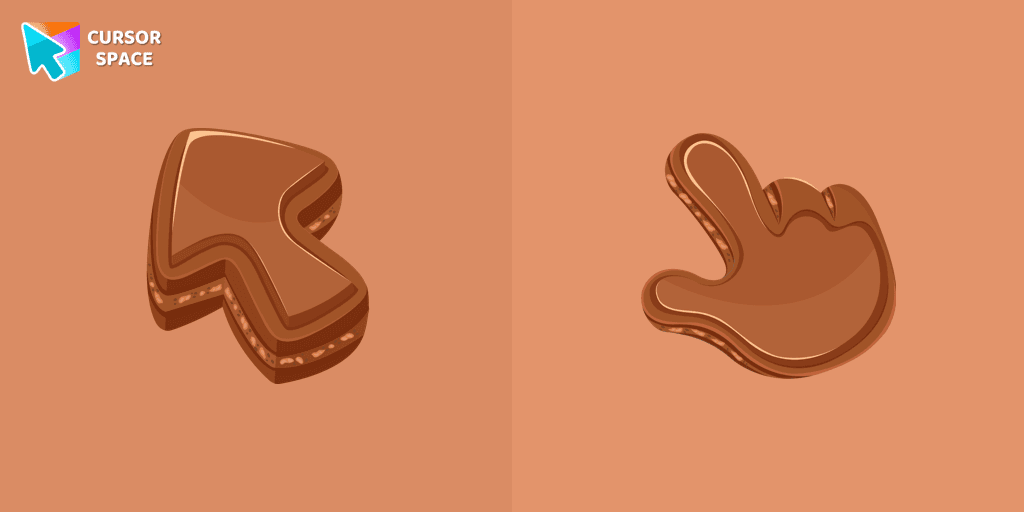
Indulge your senses with our Chocolate Texture custom cursor for Google Chrome, adding sweetness and delight to your everyday browsing experience.
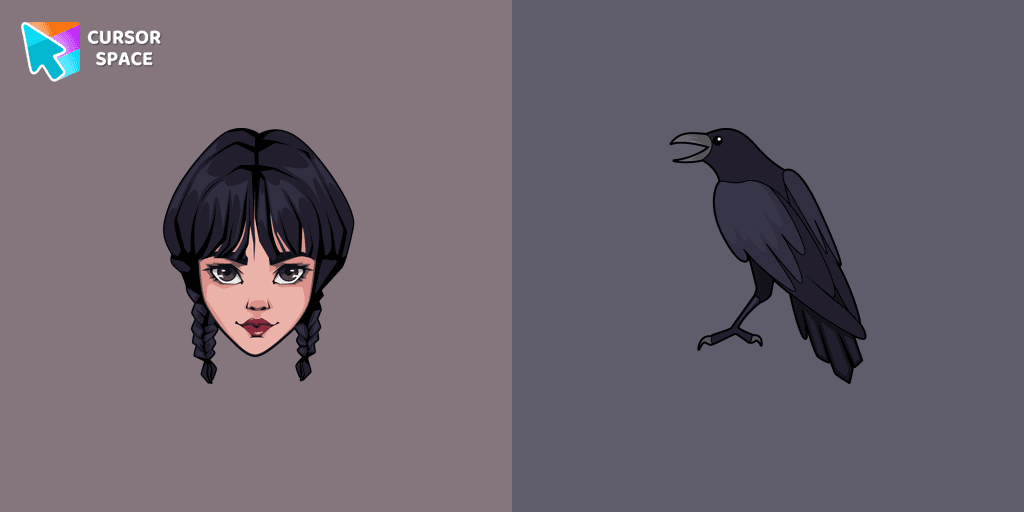
Wednesday custom cursor for a mouse is good fan art to decorate your browsing.
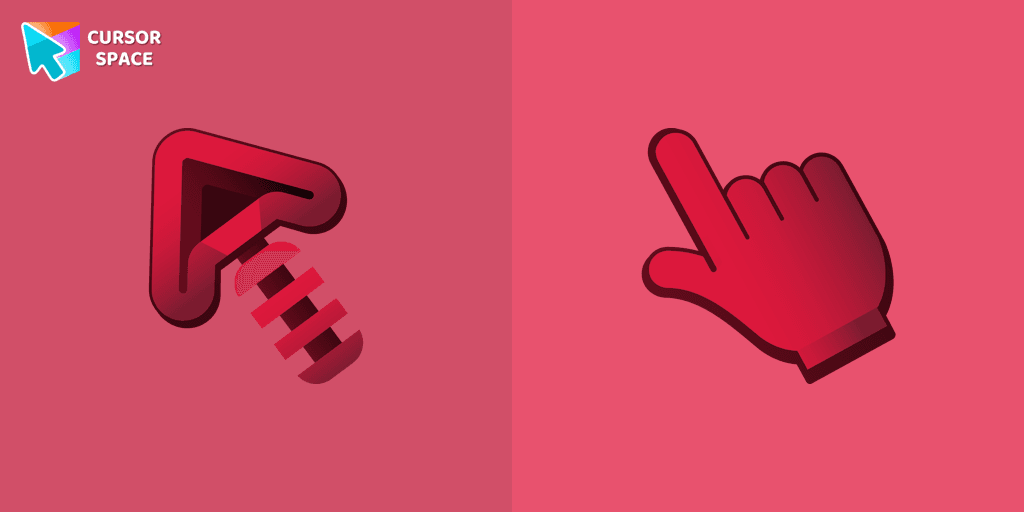
Elevate your Chrome experience with The Skeleton custom cursor—its spooky, standout design transforms your browsing and turns heads instantly!

Our Genshin Impact custom cursors collection for Chrome will allow you to use the Tartaglia character as a custom cursor for the mouse and pointer.
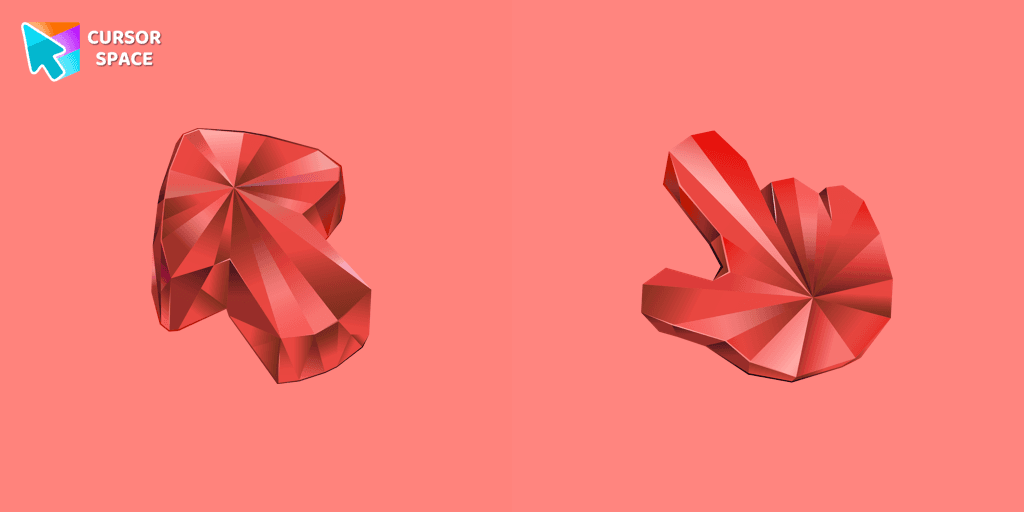
Enhance your browsing with the Ruby Stone Texture custom cursor. This stylish custom cursor for Google Chrome adds a touch of luxury and elegance to your screen.
Installation leaders from "Game cursors": free packs, neon/anime/pixel art, quick add to Chrome and Edge.
Nago, one of Kirby's animal friends, is a round and plump Japanese Bobtail. Originally designed for the game,
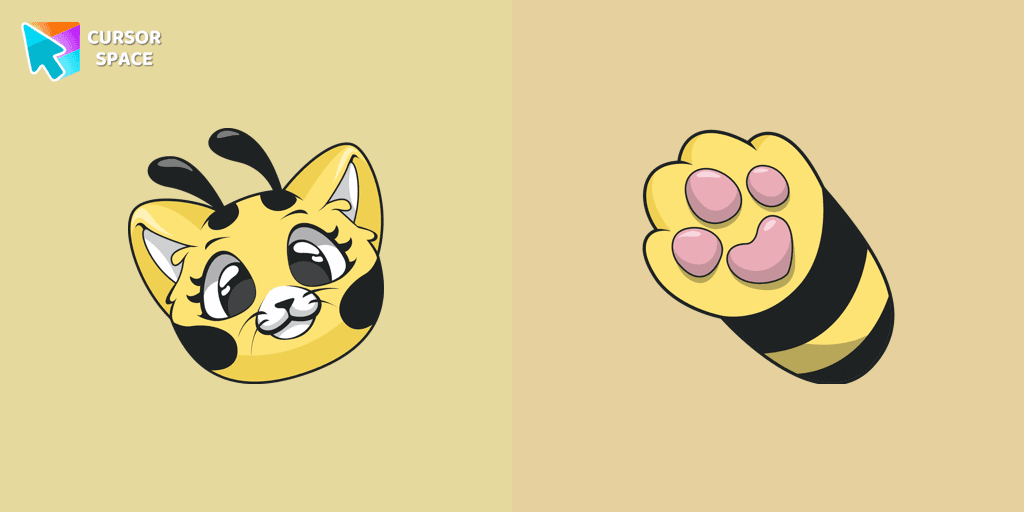
Add charm to your screen with the Cat-Bee custom cursor, perfect for cat lovers and fans of quirky designs.
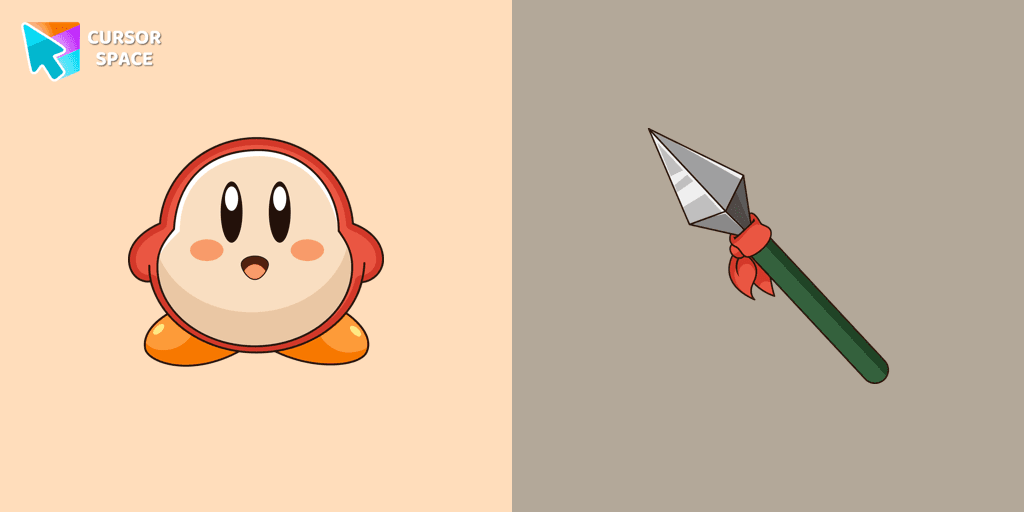
Introducing the Waddle Dee custom cursor from our Games collection of cute cursors.
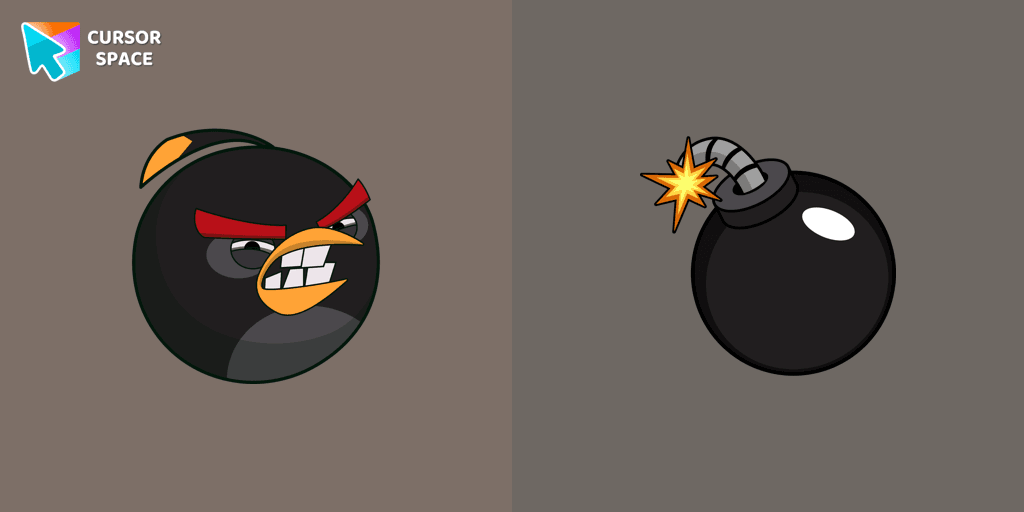
Explore the Angry Birds Bomb custom cursor to bring your desktop to life. Perfect for fans seeking a unique browsing experience!
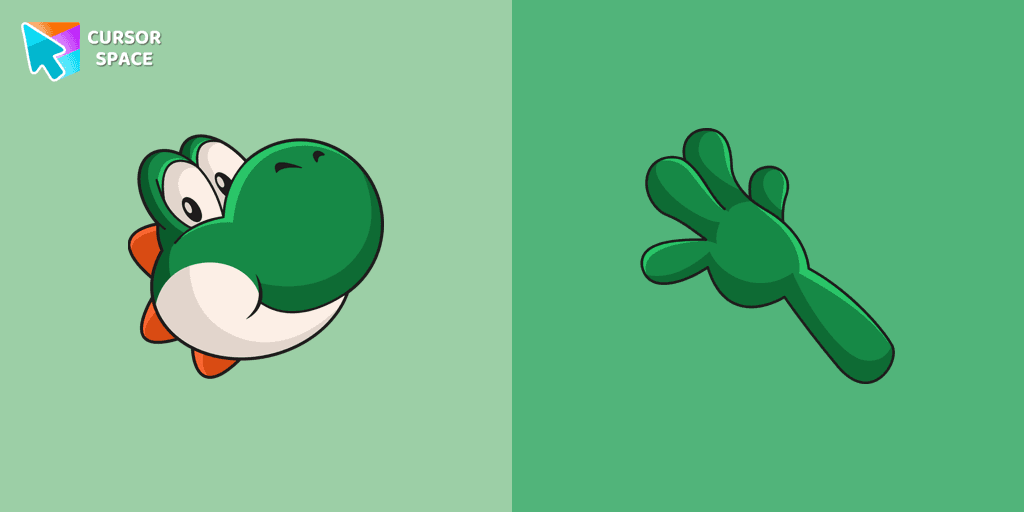
Yoshi, the lovable dinosaur-like character, is both an ally of Mario and Luigi and a sidekick to Mario in the main series
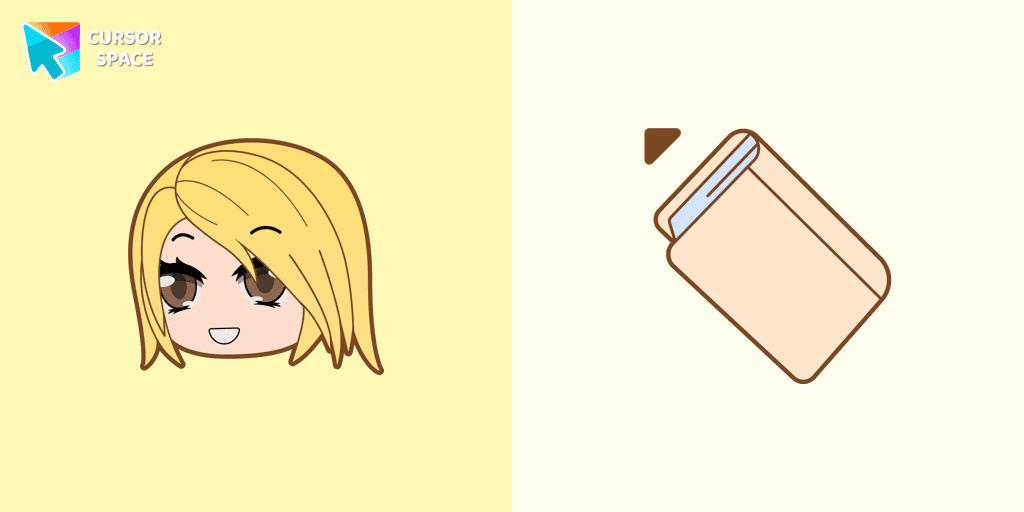
Alexa cursor for mouse and custom hover pointer with the light pink book in a game collection of cursor space
Add Gacha Life flair to your browser with the Lado custom cursor. Perfect for fans, it's part of our Mystery Space collection!
Chuck, an iconic character from the Angry Birds series, is now available as an adorable cursor in our collection.
Personalize your browsing with Gacha Life's Ezra custom cursor, blending game love and style seamlessly.
Unleash your inner gamer with a VALORANT Brimstone custom cursor for ultimate strategy.
Add packs instantly and unlock access to thousands of cursors: neon, anime, pixel-art, and more. Fast, safe, and free.
Cursor Space is an extension for changing your mouse cursor in Chrome and Edge browsers: themed collections, HiDPI icons, neon, animated, and pixel cursors, with quick installation.